The initial business user setup must be completed by any of the SuperUsers selected on the Property Management Agency profile. The SuperUser is responsible in creating the business user and sending a Reset Password email to the newly created business users.
Who are the business users?
Business Users refer to the Community Asset Manager, Operations, Finance team, etc, of the Property Management Agency.
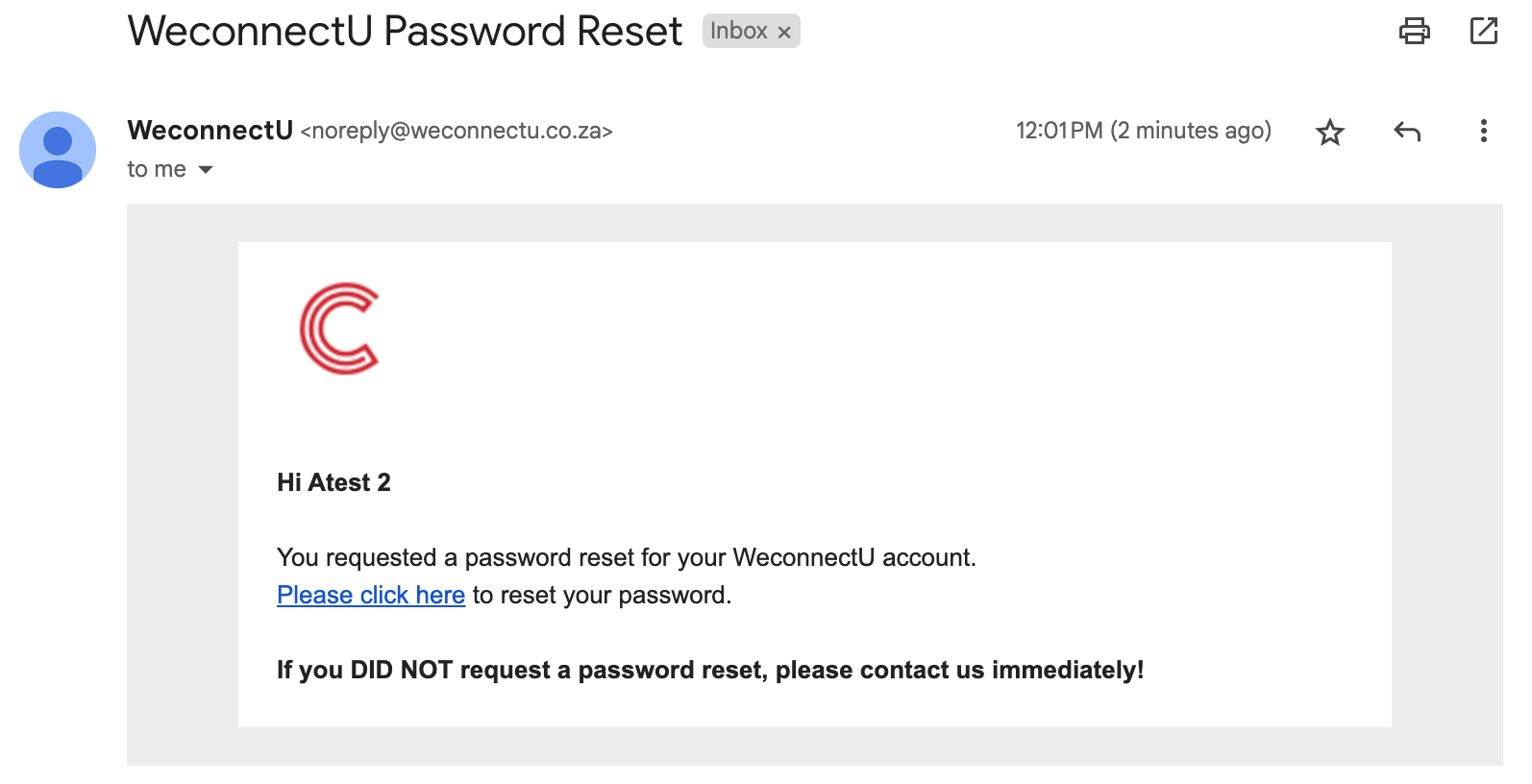
1. New user Password reset
Navigation: Open email received from WeconnectU > Click on the link provided
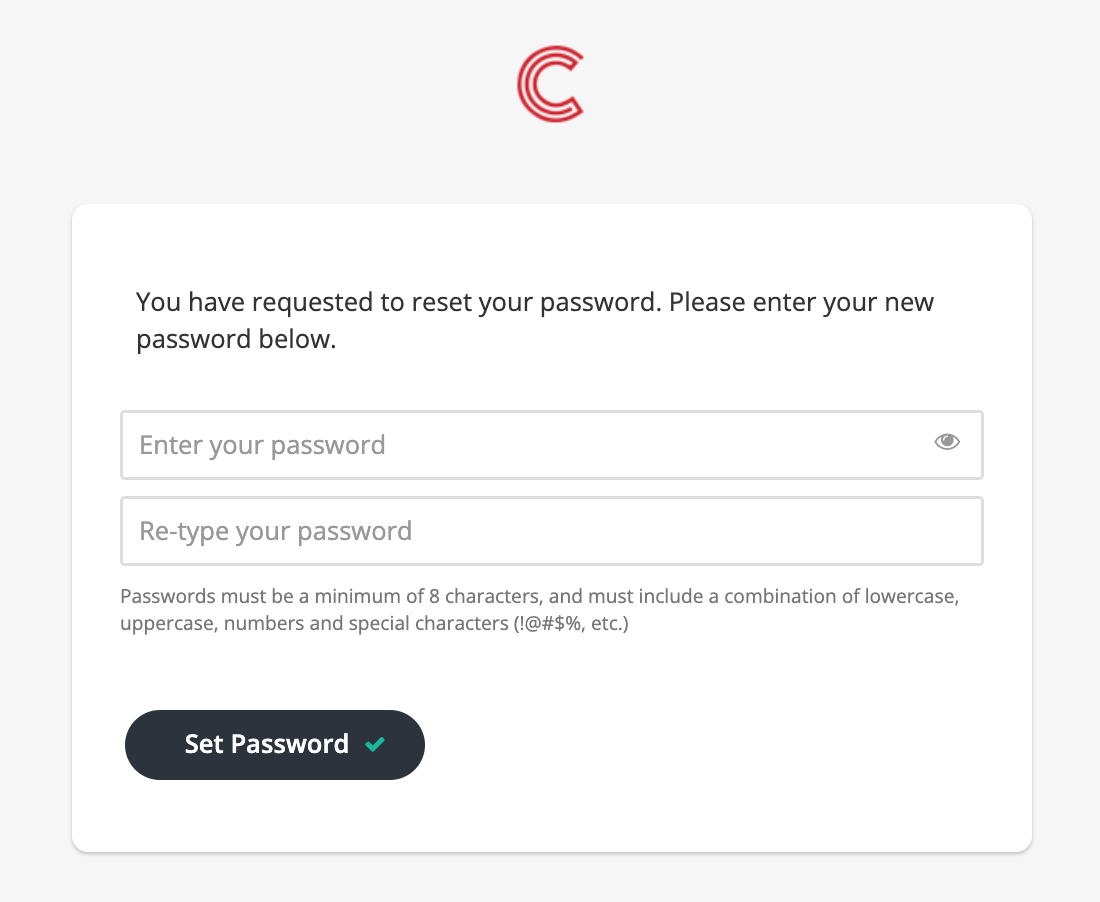
2. Create a Unique Password
Navigation: The link will Automatically redirected to the reset page.
Password requirements:
- Minimum of 8 Characters
- Must include a combination of:
- Lowercase
- Uppercase
- Numbers
- Special Characters (!@#$%)
- EXAMPLE: W3c0nnEc%_U
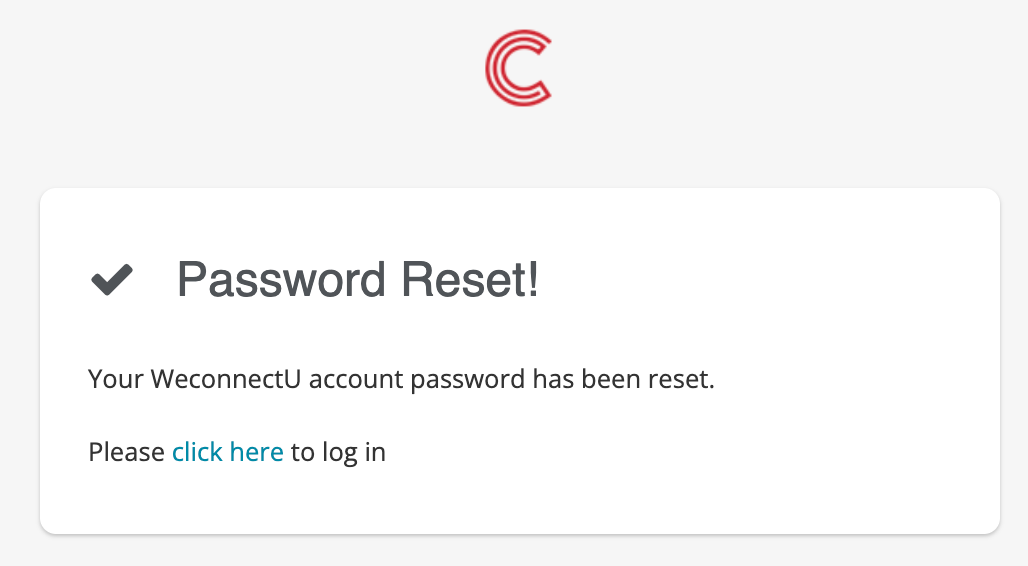
3. Log into the CMS Solution
Navigation: After resetting the password click 'Click Here' to log in.
This action will redirect the Business User to the WeconnectU webpage: https://app.weconnectu.co.za/signin
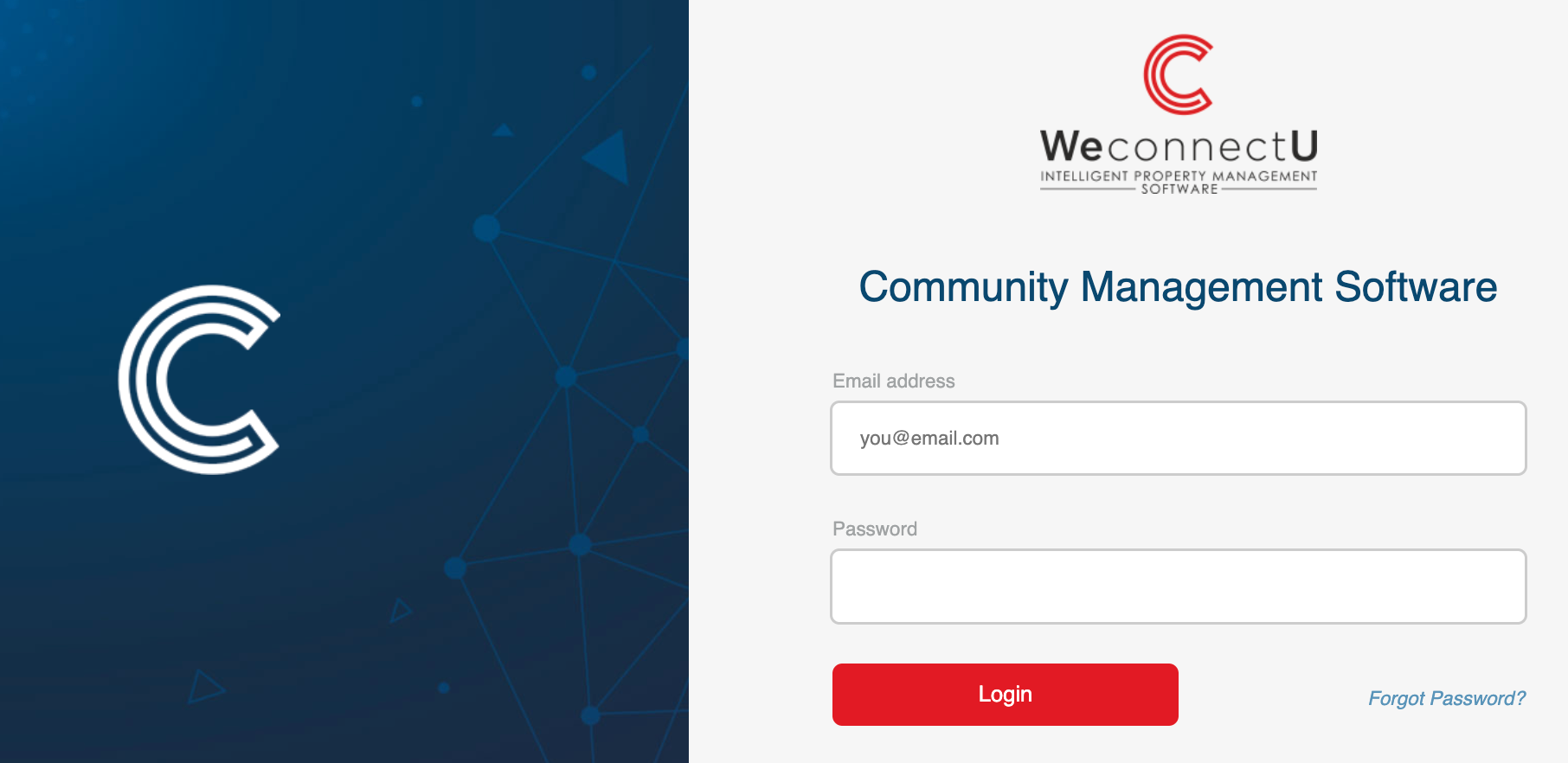
Enter the email address linked to the Business User's profile and enter the newly setup password.
Resources: | CMS - How to Add Business User | |
Was this article helpful?
That’s Great!
Thank you for your feedback
Sorry! We couldn't be helpful
Thank you for your feedback
Feedback sent
We appreciate your effort and will try to fix the article