Unit Owners who have been selected as trustee/director can use their existing owner login credentials to log in and access the trustee portal.
External trustee/directors that are not unit owners, will receive an email notification advising them that they have been added as a trustee. To access their trustee portal, click on the link provided in the email and follow the activation process.
TABLE OF CONTENTS |
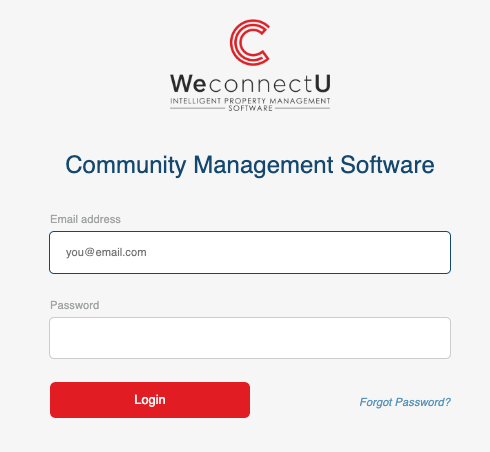
1. Owner/ Trustee login
Navigation: Web Browser > WeconnectU Login Page
The owner profile should already be activated.
1.1 Selecting Your Profile
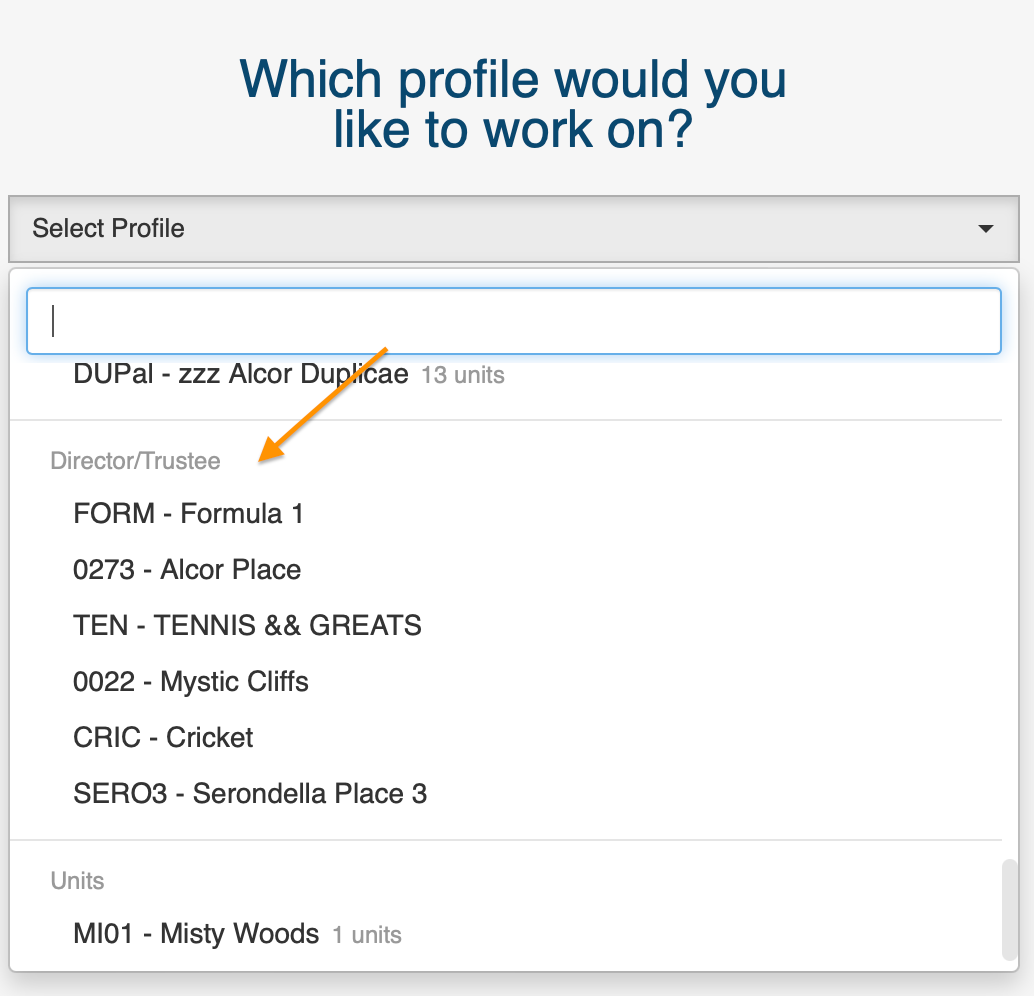
Navigation: Select Profile > Click on the relevant Community name.
You will only be able to see the community names to which your email address is linked as an owner and trustee.
Please make sure to click on the community name under the Director/Trustee heading.
2. Director/Trustee Login
Navigation: Web Browser > WeconnectU Login Page
The trustee profile should already be activated. If the trustee profile has not yet been activated, click the 'Login' link in the email sent by the Property Management Agency when the user was assigned as a director/trustee.
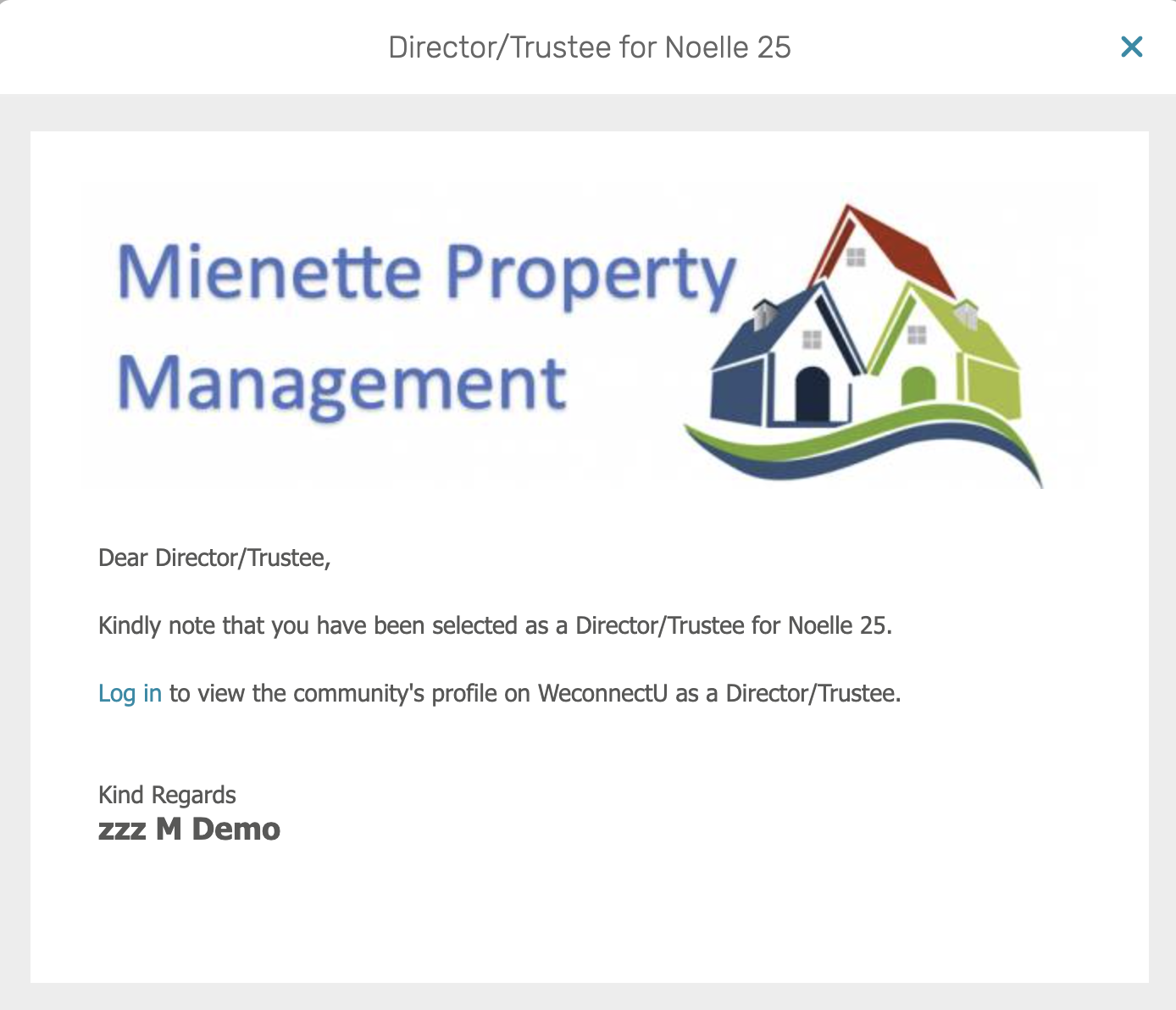
Note: If the Director/trustee email has not been received, contact the Property Management Agency and request a reset password email to setup access to the Trustee portal. |
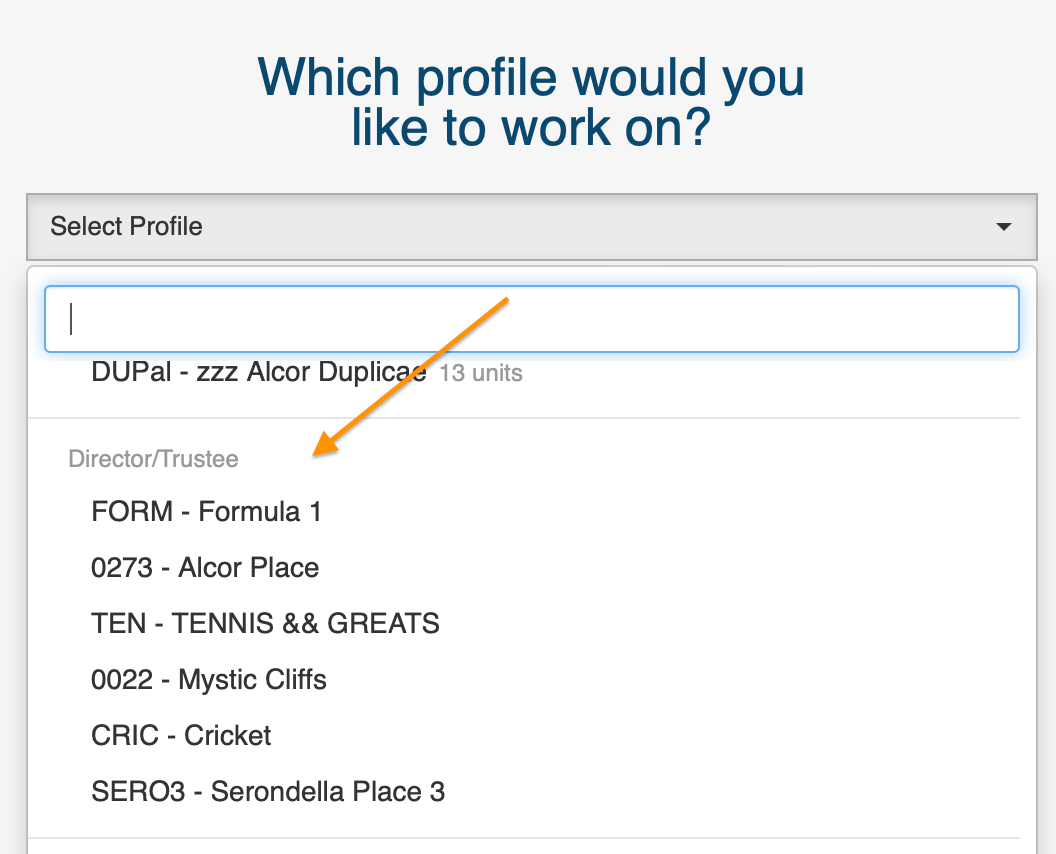
Please make sure to click on the community name under the Director/Trustee heading.
Resources: | ||
CMS - How To: Trustee Portal Finance Page | ||
| CMS - Trustee Portal Admin Page | ||
| CMS - Trustee Portal Overview | ||
| CMS - Trustees Portal Guide | ||

Was this article helpful?
That’s Great!
Thank you for your feedback
Sorry! We couldn't be helpful
Thank you for your feedback
Feedback sent
We appreciate your effort and will try to fix the article